
Reviewed November 2026 by the RGB UK technical team.
Quick answer
Leave eco solvent prints for 24 hours before laminating. That is the trade standard. Roland and the major film makers (3M and Avery Dennison) all say the ink must be fully dry before lamination, but none gives one fixed time, because drying depends on ink load, media and room temperature. Heavy coverage, thick media or a cold workshop can need longer. Laminating too early traps solvent and can cause spots, haze, curling, shrinkage or adhesive failure.
Why eco solvent prints need time before lamination
Eco solvent inks such as Roland TR2, TR3 and TH dry in two stages. The printer’s heaters and dryer drive off enough solvent for the surface to feel dry within minutes. The rest of the solvent keeps leaving the ink and the vinyl for hours afterwards. This second stage is called outgassing. Roland describes it as cure time rather than dry time, and says it depends on the media and the environment.
If you laminate during that second stage, the solvent has nowhere to go. It sits between the print and the laminate adhesive, and can react with that adhesive.
What goes wrong if you laminate too soon
| Symptom | What is happening |
|---|---|
| Small spots or blotches appearing days later | Trapped solvent reacting with the laminate adhesive. |
| Cloudy or silvery haze, worst on clear and window films | Trapped solvent or air reducing optical clarity, known as silvering. |
| Curling, shrinkage, edges lifting | 3M lists inadequate drying before lamination as a cause of curling, increased shrinkage and adhesion failure. |
| Wrap failing on curves and recesses | Weakened adhesion between print and laminate, which shows up first where the film is stretched. |
How long is long enough?
Here is how we suggest you plan it:
| Job | Suggested minimum | Notes |
|---|---|---|
| Standard signage vinyl, normal coverage | 24 hours | The trade standard for eco solvent. |
| Vehicle wraps and dark, saturated graphics | 24 hours, longer if possible | More ink means more solvent. Wrap failures are expensive to redo. |
| Window perforated film with clear laminate | 24 hours or more | Most prone to silvering. |
| Cold workshop (under 20°C) | Extend beyond 24 hours | Solvent leaves the ink more slowly when it is cold. |
| XP-640 with TH ink, lighter coverage | Can often be same day, test first | TH is fast drying. Allow 24 hours for wraps, window film and heavy coverage. |
| UV printed (ECO UV, EUV5) | Laminate once cured | UV ink cures under the lamp and does not outgas. |
What about Roland TH ink on the XP-640?
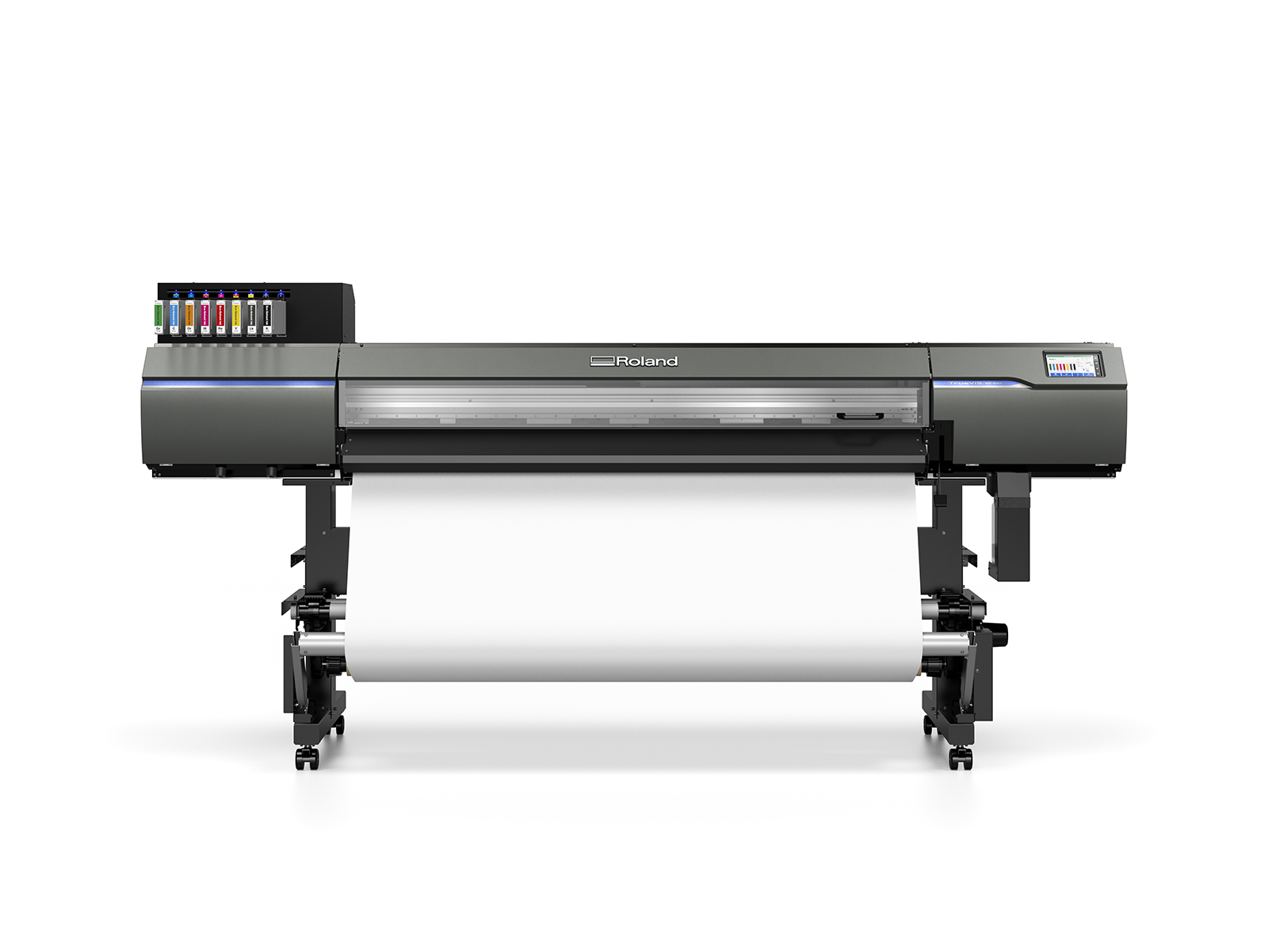
TH is the fast drying eco solvent ink used in the Roland XP-640. On lighter coverage and standard vinyl it can often be laminated the same day, which is why it suits high volume, quick turnaround work. Roland’s published XP-640 specifications and manual do not give a lamination time, though, and drying still depends on ink load, media and room temperature. If ink is slow to dry, the XP-640 has a Drying Time Per Scan setting (Media Settings, Other Media Settings) that gives each pass longer under the dryer. Test with your own media and laminate before relying on same day lamination, and keep to 24 hours for vehicle wraps, window film and dense graphics.
Treat these as minimums, not guarantees. If you are working to a laminate manufacturer’s warranty, follow their product bulletin for the exact film and ink combination.
How to speed drying up safely
- Lower the ink load. Roland’s own advice for ink that will not dry is to reduce the ink volume, then check colour and drying with a test print. 3M suggests a maximum total ink coverage of 270% on its films where no other figure is given.
- Use the heaters and dryer properly. Raise the heater temperature if ink is pooling, but not so far that the media wrinkles.
- Slow the carriage or use a higher quality mode on heavy coverage work, which gives each pass more time to dry.
- Do not leave the print tightly wound. Rolling it tight on the take up traps solvent. Loosely roll it, hang it, or lay it flat with air around it.
- Keep the room warm and ventilated. Solvent leaves the ink faster in a warm room with moving air.
If you regularly need faster turnaround, a UV print and cut machine such as the Roland TrueVIS MG2 removes the wait altogether. Our MG2, MG and LG comparison explains the trade offs.
Before you laminate: a 30 second check
- Rub a dense black area gently with a clean, dry finger. Ink should not transfer.
- Smell the print. A strong solvent smell means it is still outgassing.
- Check the back of the liner on heavily printed areas for any tackiness.
- If in doubt, give it longer. Waiting another day costs far less than reprinting and refitting a wrap.
Frequently Asked Questions
How long should eco solvent prints dry before laminating?
Allow 24 hours as standard. Roland, 3M and Avery Dennison all say the ink must be fully dry before lamination but do not set a single figure, because the time depends on ink load, media and room conditions. Heavy coverage or a cold room can need longer.
Can I laminate a Roland print straight off the printer?
We do not recommend it for eco solvent prints. The print can feel dry to the touch while solvent is still leaving the ink layer, and laminating seals it in. Trapped solvent can attack the laminate adhesive and cause spots, edge lift, curling or shrinkage.
What is silvering on laminated prints?
Silvering is a cloudy or silvery haze under the laminate, most visible on clear films and window perforated graphics. It can be caused by trapped solvent or trapped air, and it reduces optical clarity.
Can Roland XP-640 prints with TH ink be laminated the same day?
Often, on lighter work. TH is a fast drying eco solvent ink, and the XP-640 has a dryer and a Drying Time Per Scan setting for hard to dry media. Roland does not publish a lamination time for TH, so test with your own media and laminate first. For vehicle wraps, window film and heavy coverage we still recommend 24 hours.
Do UV printed graphics need outgassing time?
UV inks such as Roland ECO UV cure instantly under the lamp, so they do not outgas like eco solvent inks. Silvering on UV prints is usually trapped air, which 3M suggests reducing with a heated lower lamination roller.
Does more ink mean longer drying?
Yes. Dense, saturated graphics hold more solvent. 3M advises a maximum total ink coverage of 270% on its films where the product bulletin gives no figure. Reducing ink limits in VersaWorks speeds drying.
Related guides and products
- Cold laminates
- Laminators
- What does a full van wrap really cost?
- Why is my Roland printer banding?
- Roland printer questions answered
Sources
- Roland DGA, Standing the Test of Time: Liquid Clearcoats and Laminates
- Roland DG Support, Ink does not dry
- Roland DG, XP-640 User’s Manual: Using Hard to Dry Media
- Roland DG, TrueVIS XP-640 product page
- 3M, Production: Lamination Instruction Bulletin (Rev A, December 2024)
- Sign Warehouse, Lamination and Outgassing: When Good Prints Go Bad
Choosing a laminate or laminator?
Tell us what you print and we will match the laminate to your ink, media and application.