
Reviewed November 2026 by the RGB UK technical team.
Quick answer
Every working day: print a nozzle check before you start, check the drain bottle, and wipe the media path and pinch rollers at the end of the day. Every week: shake the ink pouch trays (white ink daily). When prompted: manual cleaning, wiper and pad replacement. Over a shutdown such as Christmas: leave the main power on, empty the drain bottle, keep ink and cleaning liquid topped up, and keep the room between 5 and 40°C.
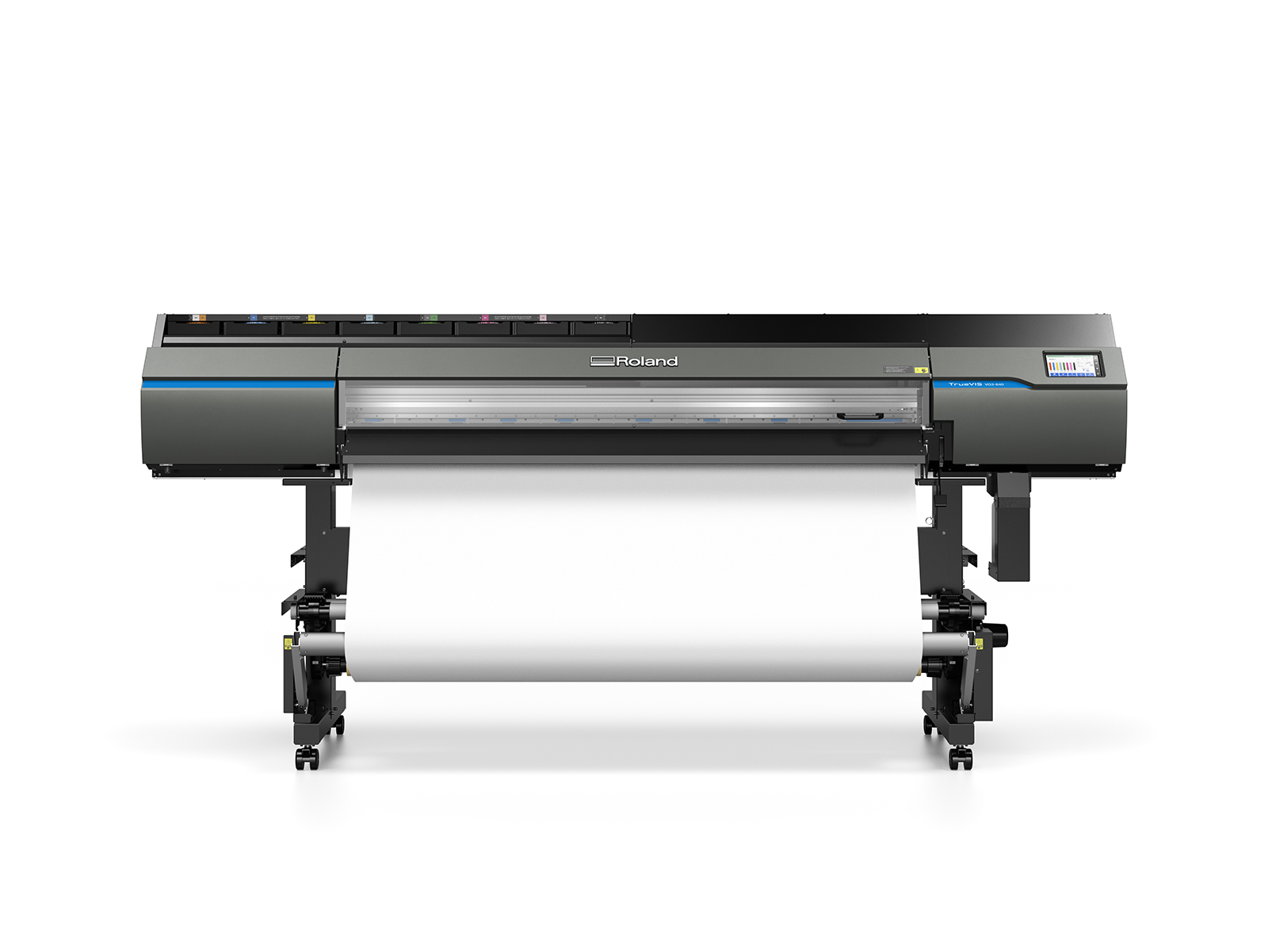
Most head failures we see on eco solvent printers are not sudden faults. They build up from skipped nozzle checks, ink left to settle, worn wipers and machines switched off at the wall for a long weekend. The routine below is taken from Roland’s TrueVIS VG3 manual and applies closely to the SG3, VG4, XG, XP and BN2 ranges too. Menu names differ slightly between models, so check your own manual for the exact wording.
Daily Roland maintenance checklist
| When | Task | Why it matters |
|---|---|---|
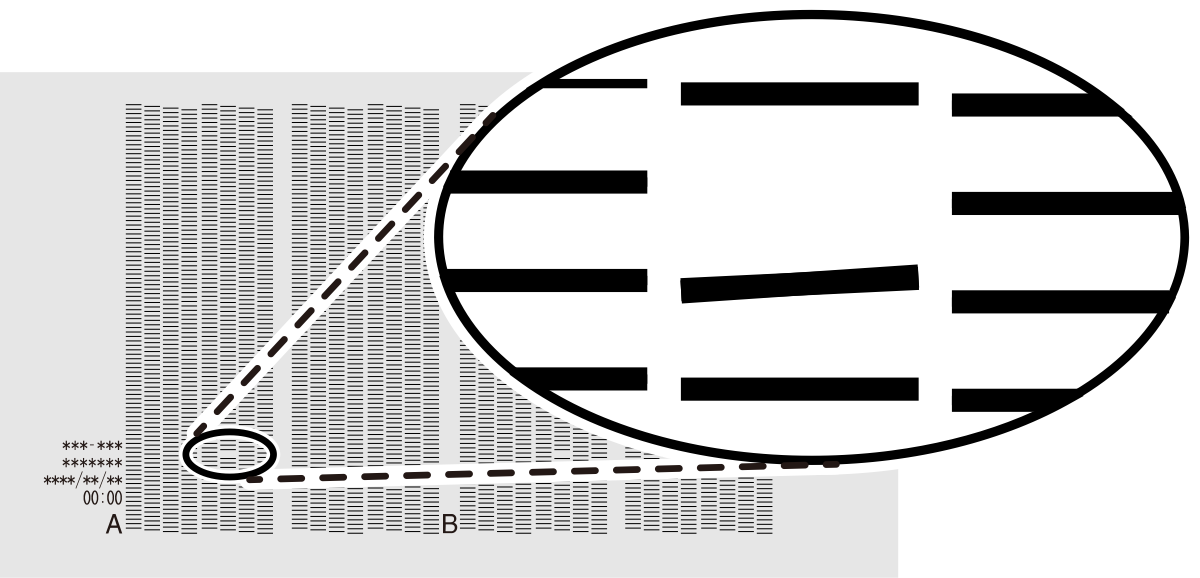
| Before printing | Print a nozzle check (Nozzle Drop-out Test) | Catches missing nozzles before they ruin a job and a roll of media. |
| Before printing | Clean the heads only if the check shows drop out | Cleaning when the check is perfect just uses ink. |
| Before printing | Check the drain bottle and empty it if needed | An overfull bottle stops automatic maintenance. |
| Before printing | Shake the white ink pouch tray (white ink models) | White pigment settles fastest. Roland asks for this daily. |
| After printing | Wipe the media path, pinch rollers and media clamps | Dried ink and vinyl dust transfer onto the next print. |
| After printing | Clean the knife carriage roller on print and cut models | Keeps cuts clean and the sheet cutter running smoothly. |
Weekly checks
- Shake the ink pouch trays. Roland recommends about 50 horizontal shakes over 20 seconds, with a stroke of around 5cm, for every colour other than white once a week. Do not remove the pouches to shake them, and wipe ink from the pouch mouth first so it does not splatter.
- Inspect the wiper and cap tops for dried ink, fibres and damage. Lint around the heads is a common cause of ink drips on the print.
- Check stock of ink, cleaning liquid, wipers and blades so you are never forced to run a pouch to empty.
When the printer asks: manual cleaning and parts
TrueVIS printers display a message when manual cleaning is due, and another when the wiper needs replacing. Do not keep dismissing them. Roland’s rules for manual cleaning are:
- Remove any media first.
- Finish within 30 minutes. The printer beeps at 30 minutes to stop the heads drying out.
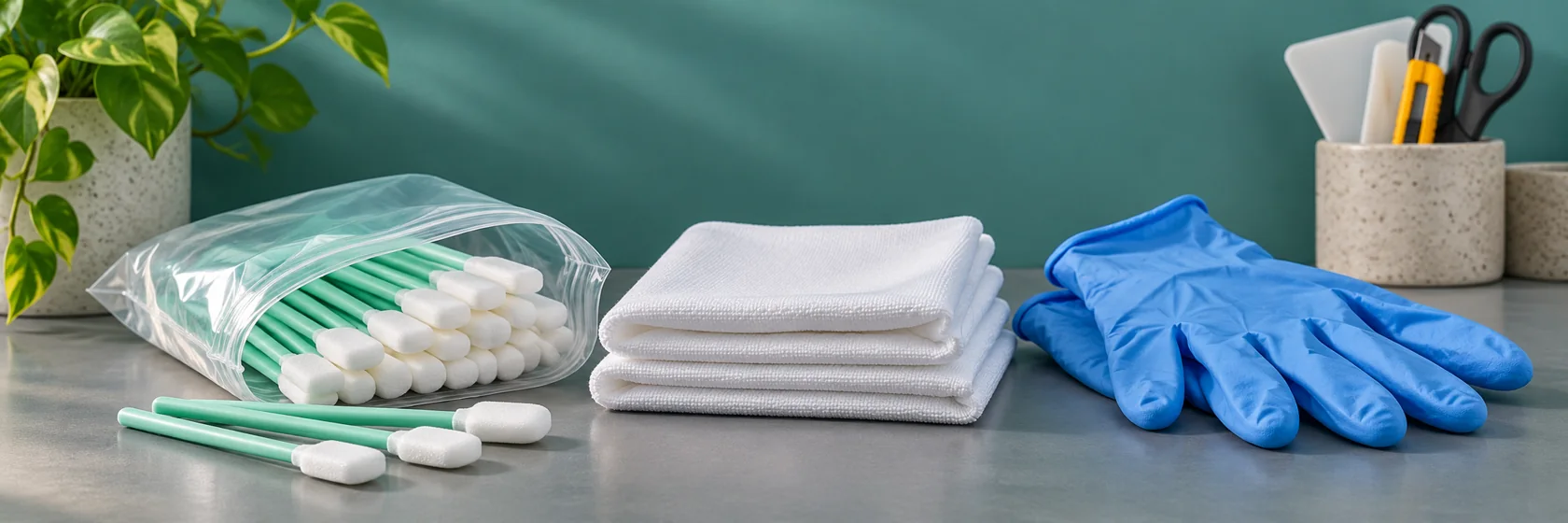
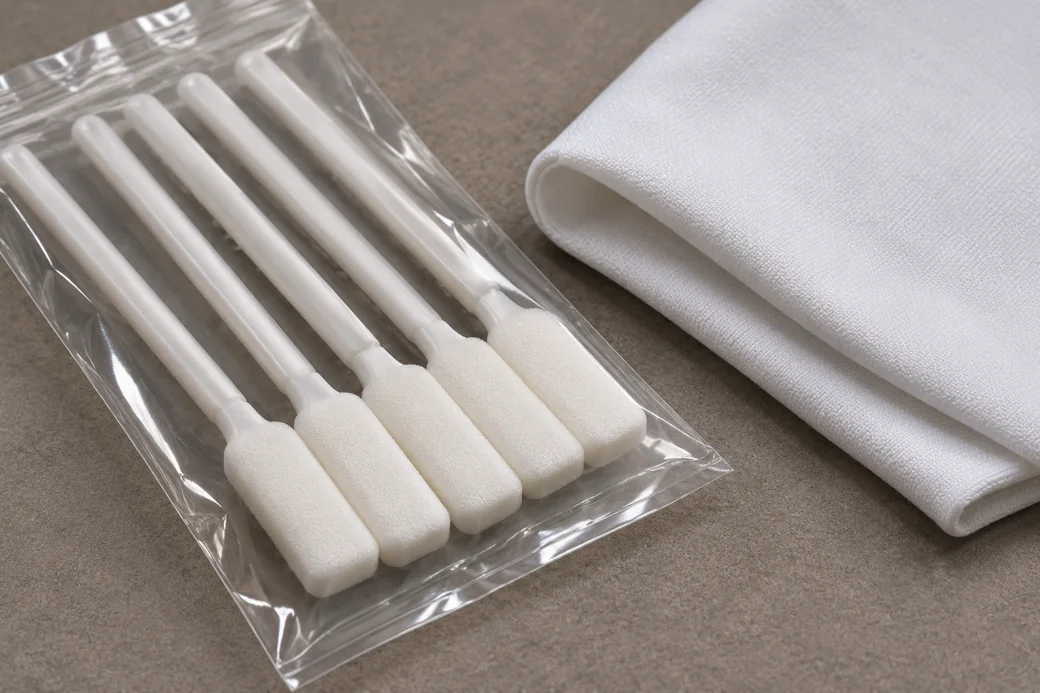
- Use only the supplied cleaning sticks and cleaning liquid. Cotton swabs and other lint producing items can damage the heads.
- One stick per session, and never put a used stick back into the cleaning liquid.
- Never rub the nozzle surface itself.
We stock the parts that wear: Roland cleaning and wiper pads, wiper blade assemblies, cap top assemblies, waste ink bottles, cleaning kits and TR3 cleaning liquid. The full list is in Roland spares and accessories.
Should you switch a Roland printer off?
No, not at the main power. While the main power is on, the printer carries out automatic maintenance in the background, discharging a small amount of ink and cleaning liquid to keep the heads wet. It goes into a low power sleep mode on its own after a set time with no activity. Roland’s factory default is 30 minutes and it recommends keeping it at 30 minutes or less. The sub power (the button on the front) can be switched off at the end of the day.
Holiday and Christmas shutdown checklist
If the workshop is closing for more than a few days, Roland’s guidance for a prolonged period without use is:
- Empty the drain bottle. Automatic maintenance keeps discharging fluid while you are away.
- Make sure there is enough ink and cleaning liquid. If a pouch runs out the printer cannot carry out its automatic maintenance.
- Leave the main power on. If the machine will be idle for a month or more, switch the sub power on at least once a month so it can run its head care. Roland warns that leaving it unused for a long time may damage the print heads.
- Keep the room between 5 and 40°C, at 20 to 80% relative humidity with no condensation. Too hot degrades the ink, too cold can freeze it and damage the heads. If the heating goes off over the break, this is the one that catches people out.
- On your first day back, shake the pouch trays, print a nozzle check and run normal cleaning only if it shows drop out.
Winter printing
For printing, Roland specifies 20 to 32°C. Below 20°C the media heaters may not keep up, and cold media will not print well even when the heaters are at temperature. Let rolls stand in the print room before use. Vinyl manufacturers such as Avery Dennison ask for at least 24 hours of acclimatisation before printing. If prints start banding as the weather turns, read our Roland banding guide before reaching for a powerful clean.
Frequently Asked Questions
Should I turn my Roland printer off at night?
Leave the main power switched on. Roland’s printers run automatic maintenance while the main power is on, which keeps the heads from drying out. The machine drops into sleep mode on its own, and Roland’s factory default is 30 minutes.
What should I do with my Roland printer over Christmas?
Leave the main power on, empty the drain bottle, make sure every ink pouch and the cleaning liquid have enough left for automatic maintenance, and keep the room between 5 and 40°C. Print a nozzle check on your first day back before starting production.
How often should I shake Roland ink?
Roland recommends shaking the pouch trays about 50 times over roughly 20 seconds: white ink every day before printing, and all other colours once a week. Shake the whole tray rather than removing the pouch.
How often should I replace the wiper on a Roland printer?
Replace it when the printer displays the wiper replacement message, or sooner if nozzle checks start failing straight after cleaning. Wipers, cap tops and flushing pads are consumables, and worn ones are a common cause of repeated nozzle drop out.
Can I use cotton buds to clean around Roland print heads?
No. Roland says to use only the supplied cleaning sticks and cleaning liquid, because cotton swabs and other lint producing items can damage the heads. Use one stick per session and never dip a used stick back into the liquid.
What happens if a Roland printer is left unused for months?
Roland warns that leaving the machine unused for a long period may damage the print heads. Switch on the sub power at least once a month so the automatic head care runs, and do not let it run out of ink or cleaning liquid.
Related Roland guides
- Roland printer questions answered
- Why is my Roland printer banding?
- Guide to upgrading to VersaWorks 7
- SupportPRINT service cover
- Roland inks
Sources
- Roland DG, TrueVIS VG3-640 User’s Manual
- Avery Dennison, MPI 1105 Wrapping Series product data sheet
Need Roland parts or a service visit?
We hold Roland wipers, cap tops, cleaning kits and inks in stock, and can book an engineer if your printer needs more than routine care.