

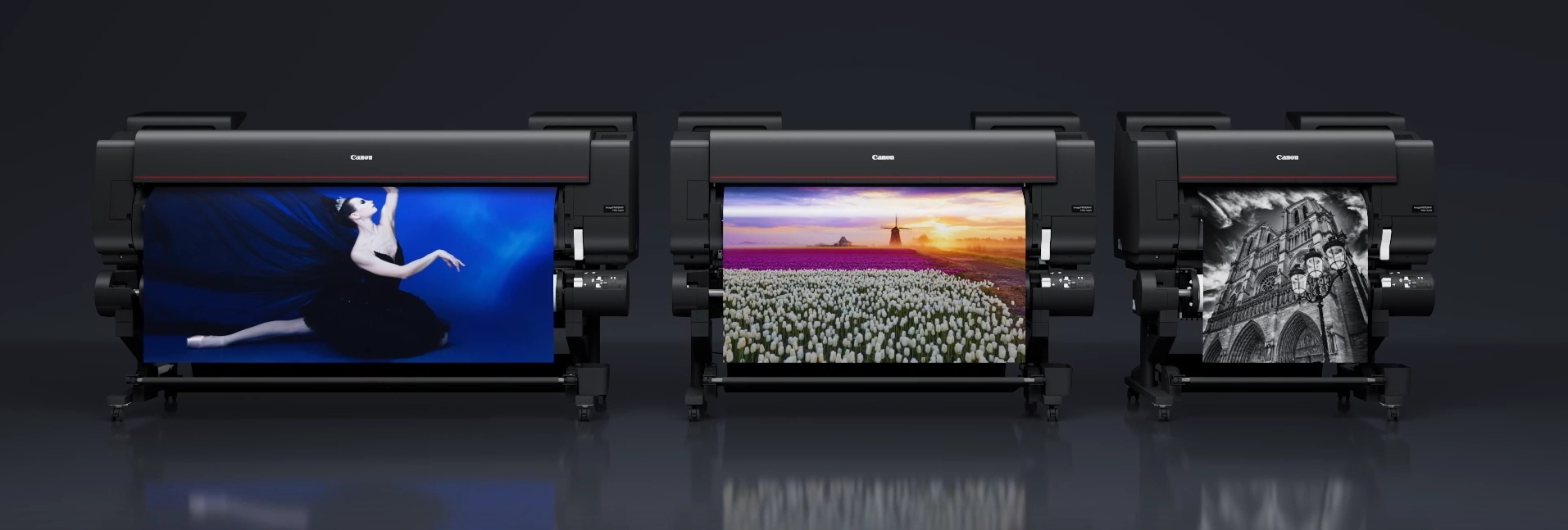
If you run a studio, print lab or busy in-house graphics department, you’ve probably noticed that 24″ printers all start sounding the same on paper. But in day-to-day use, the Canon Pro 2600 behaves very differently. It is built for photographers, fine art printers and design teams who care about colour, consistency and predictable running costs.
This article focuses on real-world workflow and print performance. If you’re looking for specifications, pricing and ordering options, visit the Canon imagePROGRAF PRO-2600 product page. For a broader overview of where it fits within Canon’s range, see our Canon PRO-2600 overview page.
12-Colour Lucia PRO II Inks: Where the Canon Pro 2600 Pulls Ahead
The LUCIA PRO II 12-colour pigment ink system is where Canon separates itself from the competition. While many 24″ printers rely on standard CMYK configurations, the Pro 2600 employs a sophisticated 12-ink setup that dramatically expands colour reproduction capabilities.
This system includes dedicated Photo Black and Matte Black inks, three grey inks for superior monochrome printing, and additional colour cartridges that work together to deliver:
- Huge colour gamut – exceeding Adobe RGB in many areas
- Deep, clean blacks – with no colour casts in shadows
- Superior shadow detail – maintaining separation in dark tones
- Smoother gradient transitions – eliminating banding
- Archival longevity – 200+ years on quality media
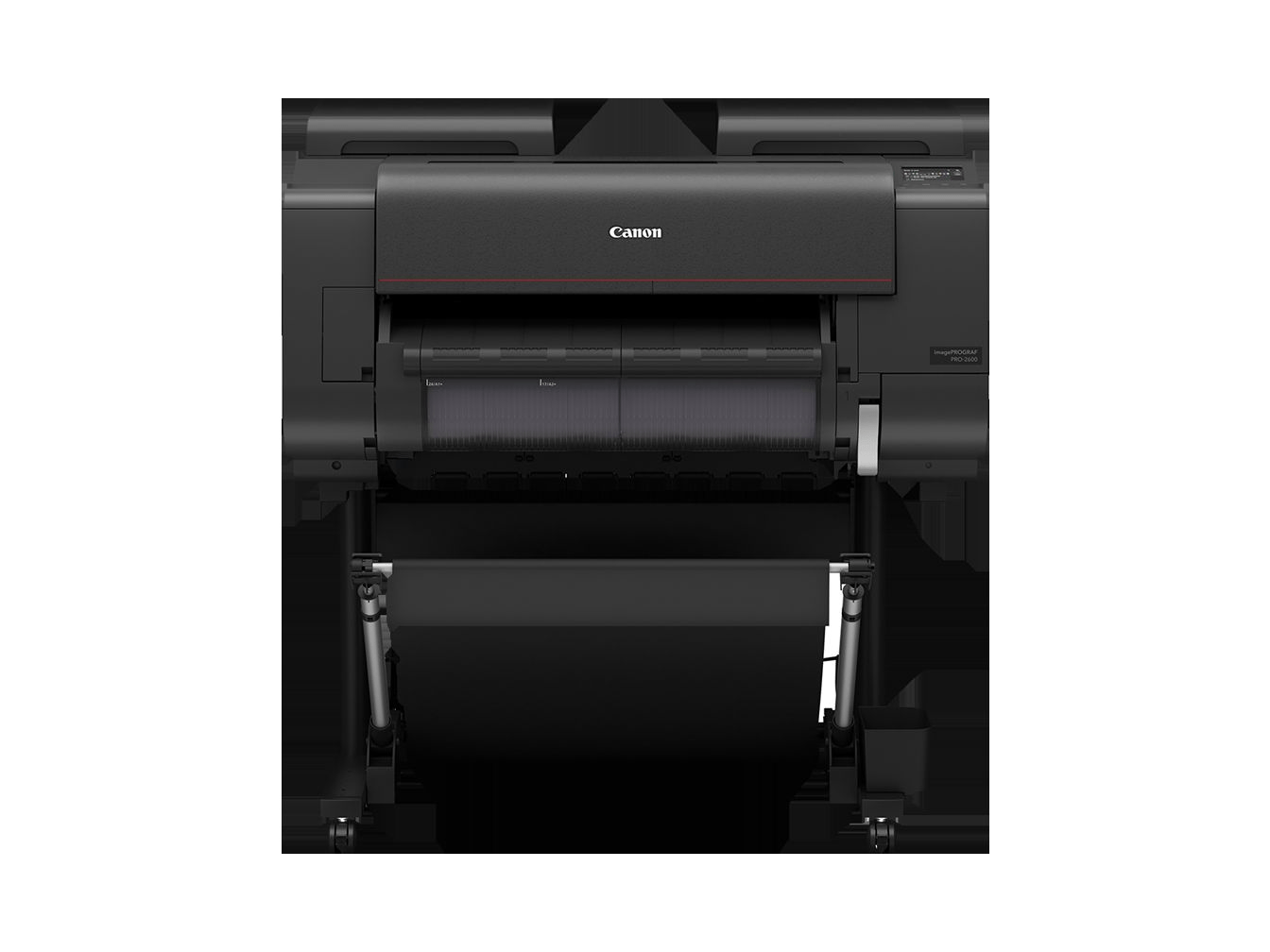
Why 12 Colours Matter for Professional Output
The extended colour gamut isn’t just about vibrant hues. It’s about accurately reproducing subtle skin tones in portraiture, maintaining colour accuracy in product photography, and achieving gallery-quality fine art prints. The three-grey ink system ensures that black and white prints rival traditional darkroom quality, with smooth tonal transitions from pure white to deep black without the colour shifts common in CMYK-only systems.
Designed for Real Workflows, Not Brochure Talk
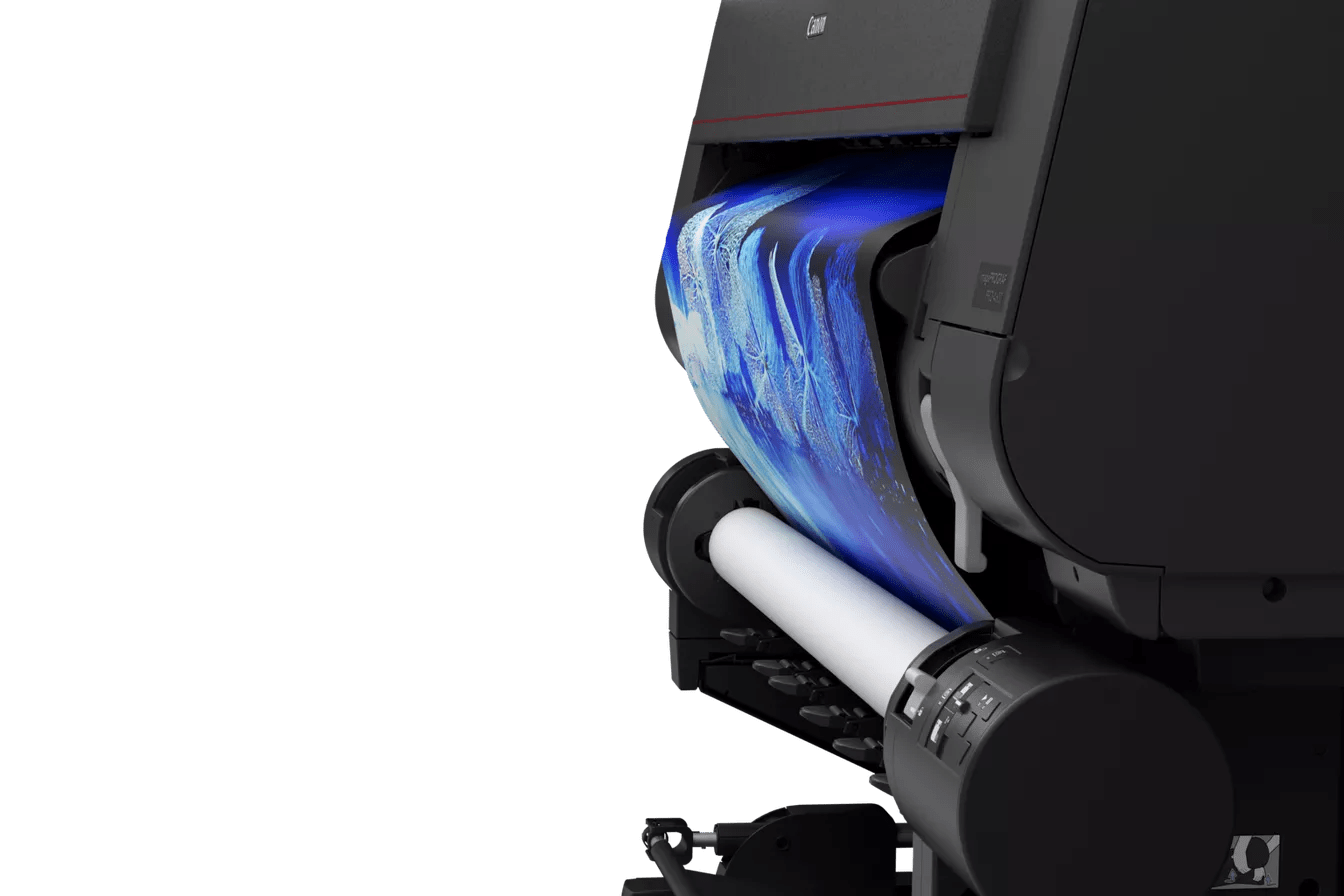
Production efficiency starts with reducing friction in daily operations. The Canon Pro 2600 eliminates common time-wasters that plague busy print environments through intelligent automation and thoughtful engineering.
These workflow features translate to real time savings:
- Automatic roll loading & skew correction – no manual alignment needed
- Built-in colour calibration – maintains consistency without external tools
- Optional dual-roll configuration – switch between media types instantly
- Clean, intuitive touchscreen UI – minimal training required
The dual-roll option is particularly valuable for studios that alternate between glossy and matte media, or for labs that need to queue multiple jobs without operator intervention. The automatic media detection ensures the correct print settings are applied every time.
For photographers and artists: We cover how the printer performs in creative environments, including colour accuracy testing, paper recommendations, and optimal print settings in our Canon Pro 2600 photography & fine art guide.
Running Costs & Reliability
Efficient Ink Usage
Smart cleaning cycles minimize waste while maintaining print head health. The system only uses the ink it needs, when it needs it.
No Black Switching Waste
Unlike printers that purge ink when switching between photo and matte black, the Pro 2600 maintains both simultaneously.
User-Replaceable Head
Print head is a user-replaceable component, avoiding expensive service calls and extended downtime.
High-Capacity Tanks for Heavy Workflows
The Canon Pro 2600 uses 160ml and 330ml ink tanks depending on colour, providing significantly more capacity than cartridge-based systems. For high-volume environments, this translates to fewer interruptions, less frequent ordering, and better ink cost per square foot.
Individual ink tanks mean you only replace colours as they’re depleted, rather than discarding partially-used cartridges. Combined with the efficient cleaning cycles, many studios report 20-30% lower ink costs compared to their previous 24″ printers.
Who Should Consider the Canon Pro 2600?
Perfect fit:
- Fine art photographers printing exhibition work
- Design studios producing client presentations
- Print labs offering premium giclée services
- Galleries creating limited edition prints
Consider alternatives if:
- You primarily print CAD/technical drawings
- You need faster speeds for high-volume posters
- Budget is the primary concern over quality
- You never print wider than 17 inches
Ready to See the Pro 2600 in Action?
Get detailed specifications, current pricing, and delivery options. Our team can also arrange demonstrations at your facility.