

Reviewed November 2026 by the RGB UK technical team.
Quick answer
Download the profile free from the Hahnemühle ICC Download Center (choose printer maker, model, then paper). On a Mac, copy it to Macintosh HD > Library > ColorSync > Profiles. On Windows, right click it and choose Install Profile. Restart Photoshop, select Photoshop Manages Colours, pick the Hahnemühle profile, turn colour management off in the printer driver, and use the media type given in Hahnemühle’s handling instructions.
An ICC profile describes how one specific combination of printer, ink and paper reproduces colour. Hahnemühle’s own guidance is that each paper has its own look and needs its own profile. Using a generic profile, or the wrong paper’s profile, is the most common reason fine art prints come out too dark, colour cast or flat.
1. Download the right profile
- Go to the Hahnemühle ICC Download Center.
- Choose your printer manufacturer: Canon, Epson or HP.
- Choose your exact printer model. A Canon PRO-2600 profile is not the same as a PRO-1000 profile.
- Choose the paper and download. Hahnemühle adds the matching handling instructions automatically, in every language available. Keep them, because they tell you which media type and settings to choose in the driver.
- Canon and Epson users can also download Hahnemühle media packages for Mirage from the same page.
- Older printers are covered in Hahnemühle’s profile archive.
2. Install it
| System | How to install |
|---|---|
| macOS | Double click the zip to extract it, then move the profile into Macintosh HD > Library > ColorSync > Profiles. You may need your admin password. |
| Windows 10 and 11 | Right click the zip and choose Extract All, then right click the profile and choose Install Profile. Or copy it into C:\Windows\System32\spool\drivers\color. |
| Both | Restart Photoshop, Lightroom or any other editing software that was open during installation. |
Safari tip from Hahnemühle: Safari can unzip downloads automatically and corrupt the profile. Turn off Open safe files after downloading in Safari’s settings, or download the profile with a different browser.
3. Print settings in Photoshop
- Open File > Print and choose your printer.
- Under Colour Management, choose Photoshop Manages Colours.
- Under Printer Profile, choose the Hahnemühle profile for your printer and paper.
- Choose a rendering intent. Relative Colorimetric with Black Point Compensation suits most work. Perceptual can be better for very saturated images.
- Open Print Settings and, in the printer driver, set the media type and quality shown in Hahnemühle’s handling instructions.
- Turn colour management off in the driver (or set it to no colour adjustment). If both Photoshop and the driver manage colour, the print will be wrong.
In Lightroom Classic the steps are the same: choose the Hahnemühle profile under Print Job, then set the media type in the printer driver.
4. Soft proof before you print
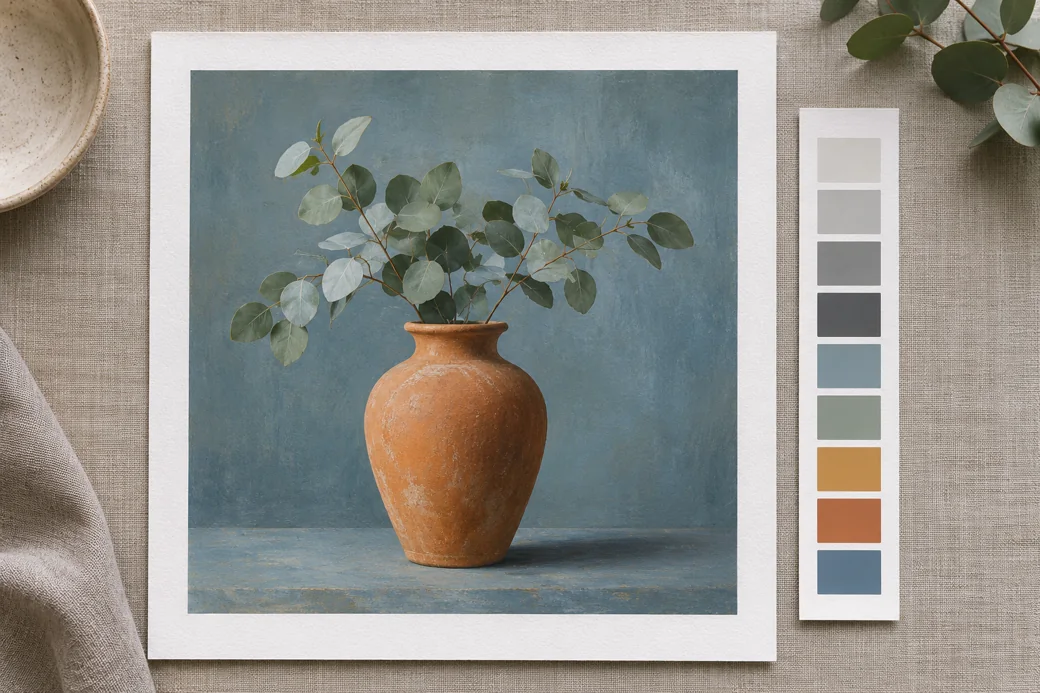
Use View > Proof Setup > Custom in Photoshop and choose the Hahnemühle profile with Simulate Paper Colour ticked. Matt cotton papers such as Photo Rag and German Etching cannot reach the deep blacks of a gloss baryta, and soft proofing shows you that before you spend paper and ink finding out.
Printing from a RIP
On large format printers, Hahnemühle notes that most people use a RIP, which gives more precise colour management and lays images out to use the roll efficiently. Many RIPs ship with media presets for popular Hahnemühle papers. If yours does not, import the Hahnemühle ICC profile into it.
Printers we see most with Hahnemühle
Canon’s 12 colour imagePROGRAF PRO range is a natural partner for Hahnemühle papers. See our reviews of the Canon PRO-2600 (24 inch), PRO-4600 (44 inch) and PRO-6600 (60 inch).
Frequently Asked Questions
Where do I download Hahnemühle ICC profiles?
From the Hahnemühle ICC Download Center at hahnemuehle.com. Choose your printer manufacturer (Canon, Epson or HP), then your model, then the paper. The matching handling instructions are added to the download automatically.
Where do ICC profiles go on a Mac?
Copy the profile into Macintosh HD, Library, ColorSync, Profiles. Restart Photoshop or Lightroom afterwards if it was open.
How do I install an ICC profile on Windows?
Extract the zip file, then right click the profile and choose Install Profile. You can also copy it manually into C:\Windows\System32\spool\drivers\color. Restart your editing software afterwards.
Why is my Hahnemühle profile not showing in Photoshop?
The usual causes are that the zip was not extracted, Safari unzipped and corrupted it, the file went into the wrong folder, or Photoshop was open during installation. Hahnemühle suggests turning off Safari’s option to open safe files after downloading, or using another browser.
Which rendering intent should I use for fine art prints?
Start with Relative Colorimetric with Black Point Compensation for most images, and try Perceptual for images with very saturated colours that fall outside the paper’s gamut. Soft proof both in Photoshop and choose the one that looks closest to your screen.
Do I need a Hahnemühle profile if I use a RIP?
Many RIPs already include media presets for popular Hahnemühle papers. If yours does not, you can usually import the Hahnemühle ICC profile. A RIP also gives tighter colour management and better use of the roll.
Related Hahnemühle guides
- Hahnemühle paper questions answered
- Photo black or matte black for Hahnemühle paper?
- Which side of Hahnemühle paper do you print on?
- Shop Hahnemühle paper
Sources
- Hahnemühle, ICC Profile Download Center
- Hahnemühle, Installing profiles
- Hahnemühle, GuideLine to Digital FineArt Printing
Getting colour you are not happy with?
Tell us your printer, paper and software and we will help you track down whether it is the profile, the driver settings or the file.