
Reviewed November 2026 by the RGB UK technical team.
Quick answer
Matt papers use matte black. Gloss, satin and pearl papers use photo black. In the Hahnemühle range that means matte black for Photo Rag, German Etching, Museum Etching, Torchon, William Turner, Albrecht Dürer, Bamboo and the matt canvases, and photo black for Photo Rag Baryta, FineArt Baryta, Baryta FB, FineArt Baryta Satin and FineArt Pearl. Canon imagePROGRAF PRO printers hold both blacks and select automatically from the media type.
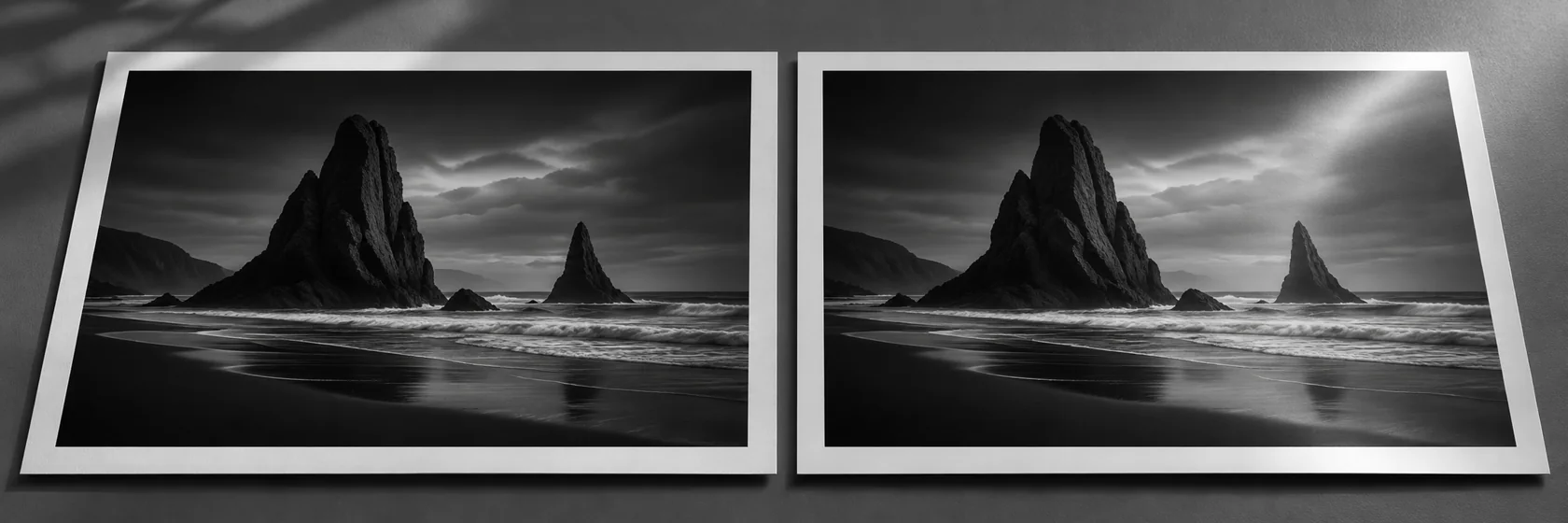
Pigment printers carry two different black inks because no single black works well on every surface. Matte black is formulated to sit in a matt coating and give a deep, velvety black. Photo black is formulated for glossy and satin coatings, where it gives a rich black with an even sheen. Use the wrong one and your blacks either look grey, or look patchy and rub off.
Hahnemühle papers and the right black ink
| Paper | Surface | Black ink |
|---|---|---|
| Photo Rag 308gsm | Matt cotton, smooth | Matte Black |
| Photo Rag Bright White 310gsm | Matt cotton, smooth | Matte Black |
| Photo Rag Ultra Smooth 305gsm | Matt cotton, ultra smooth | Matte Black |
| German Etching 310gsm | Matt, textured | Matte Black |
| Museum Etching 350gsm | Matt cotton, textured | Matte Black |
| Torchon 285gsm | Matt, bold texture | Matte Black |
| William Turner 190gsm and 310gsm | Matt, mould made watercolour | Matte Black |
| Albrecht Dürer 210gsm | Matt, watercolour texture | Matte Black |
| Bamboo 290gsm | Matt, natural fibre | Matte Black |
| Cézanne Canvas | Matt cotton canvas | Matte Black |
| Daguerre Canvas | Matt poly cotton canvas | Matte Black |
| Canvas Artist | Matt poly cotton canvas | Matte Black |
| Photo Rag Baryta 315gsm | High gloss baryta, cotton | Photo Black |
| FineArt Baryta 325gsm | High gloss baryta | Photo Black |
| Baryta FB | High gloss baryta | Photo Black |
| FineArt Baryta Satin 300gsm | Satin baryta | Photo Black |
| FineArt Pearl 285gsm | Pearl (lustre) | Photo Black |
Always confirm against the handling instructions that come with each profile from the Hahnemühle ICC Download Center. They list the media type to select for your exact printer, and the media type is what tells the printer which black to use.
Why the wrong black looks wrong
| Combination | Result |
|---|---|
| Matte black on matt paper | Deepest, most neutral black on that surface. |
| Photo black on matt paper | Blacks look grey and shadows lose depth. Colours can look washed out. |
| Photo black on gloss, satin or pearl paper | Deep blacks with an even sheen. |
| Matte black on gloss paper | Dull, uneven gloss, and the ink can rub off. Most drivers will not allow it. |
Do you have to switch inks?
It depends on the printer. Canon’s 12 colour imagePROGRAF PRO printers, including the PRO-2600, PRO-4600 and PRO-6600, have both blacks installed at once, so there is no changeover and no ink lost when you move between Photo Rag and a baryta. Some other printers have a single black channel and switch between the two, which uses ink each time. If yours does, group your matt jobs and your gloss jobs together.
Choosing between a matt and a gloss Hahnemühle paper
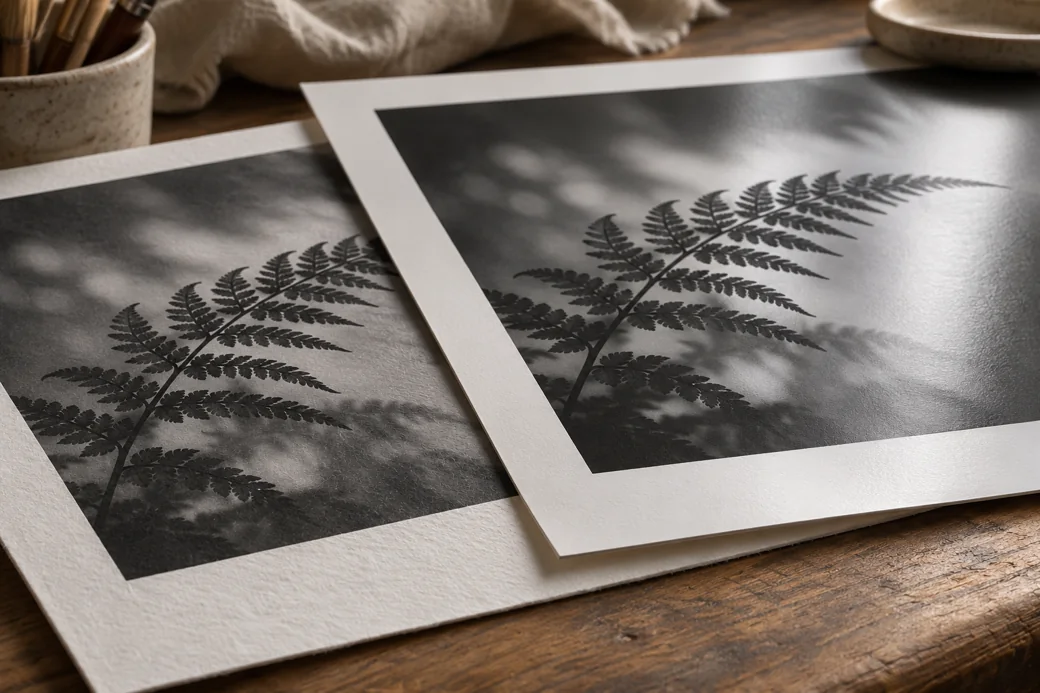
The black ink follows the paper, so choose the paper for the image. Matt cotton papers like Photo Rag give a soft, painterly look with no glare, which suits art reproduction and quiet, tonal photography. Baryta papers like Photo Rag Baryta give the deepest blacks and widest tonal range, closest to a darkroom print. Our Photo Rag Baryta guide and complete Hahnemühle paper guide go into more detail, and a Hahnemühle Media Sampler lets you compare every surface side by side.
Frequently Asked Questions
Should I use photo black or matte black on Hahnemühle Photo Rag?
Matte black. Photo Rag is a matt coated cotton paper, and matte black gives the deepest, most neutral blacks on matt surfaces. Photo black on Photo Rag looks greyer and weaker.
Which black ink should I use on Hahnemühle baryta papers?
Photo black. Photo Rag Baryta, FineArt Baryta, Baryta FB, FineArt Baryta Satin and FineArt Pearl all have glossy, satin or pearl surfaces, which are designed for photo black.
What happens if I use matte black on gloss paper?
Matte black is not designed to sit on a glossy coating. It can look dull, show uneven gloss and rub off the surface, so printers and RIPs normally do not offer it for gloss media.
Do I need to swap black inks on a Canon imagePROGRAF PRO printer?
No. Canon’s 12 colour imagePROGRAF PRO printers, including the PRO-2600, PRO-4600 and PRO-6600, have both matte black and photo black installed at the same time and choose the right one from the media type you select.
Which black ink should I use on Hahnemühle canvas?
Matte black for Cézanne Canvas, Daguerre Canvas and Canvas Artist, which all have matt coatings. Follow the handling instructions from the Hahnemühle download centre for your printer, as they confirm the media type and ink.
Related Hahnemühle guides
- Hahnemühle paper questions answered
- Hahnemühle ICC profiles: download, install and print settings
- Which side of Hahnemühle paper do you print on?
- Shop Hahnemühle paper
Sources
- Hahnemühle, ICC Profile Download Center
- Hahnemühle, Digital FineArt Collection brochure (2023, English)
Want a paper recommendation?
Tell us your printer and the work you produce, and we will suggest the Hahnemühle papers to sample first.