
What is the Difference Between the Roland VG3 and VG4 Printers?
Published April 2026 | Roland DG | Comparison Guide | 12 min read
The Roland VG4 series has replaced the VG3 as Roland DG’s mainstream eco-solvent printer/cutter range. Both are well-regarded machines built for sign makers, vehicle graphics businesses, and wide-format print shops. But the VG4 brings a set of meaningful upgrades across inks, software, workflow, and cutting performance. This guide covers every key difference so you can make the right decision for your business.
Jump to:
Quick Summary |
Ink Systems |
Print Quality |
Software |
Workflow Improvements |
Cutting |
Who Should Upgrade |
FAQ
Roland VG3 vs VG4 — Quick Summary
The Roland VG3 series set a high standard for eco-solvent print and cut. The VG4 builds on that platform with advances across inks, resolution, software, workflow tools, and cutting capabilities. Below is a fast-reference comparison followed by a full section-by-section breakdown.
| Feature | Roland VG3 | Roland VG4 |
|---|---|---|
| Ink System | TR2 eco-solvent | TR3 eco-solvent — wider gamut, improved outdoor durability |
| Standard Colours | CMYK + extended options | 8-colour standard: C, M, Y, K, Light Black, Green, Orange, Red |
| Max Print Resolution | Not published (VG3 standard) | 1,800 dpi with ultra-fine droplet control |
| RIP Software | VersaWorks 6 (included) | VersaWorks 7 (included) |
| Touchscreen | 7-inch LCD | 7-inch colour with Direct Print |
| Remote Monitoring | Roland DG Mobile Panel | Roland DG Connect — full cloud app |
| Perforated Cut | Not included | Included as standard |
| Take-Up Unit | Included | Included — improved in-sync control |
| Models Available | VG3-540 (54″) and VG3-640 (64″) | VG4-540 (54″) and VG4-640 (64″) |
Ink System: TR2 (VG3) vs TR3 (VG4)
The single biggest technical difference between the VG3 and VG4 series is the ink system. The VG3 uses Roland’s TR2 eco-solvent inks. The VG4 moves to TR3, which is a direct improvement on TR2 with advances in three specific areas: colour gamut, colour accuracy, and outdoor ink durability.
Roland TR2 Inks (VG3 Series)
TR2 inks are proven, industry-certified eco-solvent inks that earned the VG3 its reputation among sign makers and vehicle graphics specialists across the UK. They are covered by 3M’s MCS warranty programme, deliver excellent stretch performance for vehicle wraps, and provide outdoor durability suitable for most exterior applications. Many print businesses ran VG3 machines with TR2 inks for years with excellent results.
Roland TR3 Inks (VG4 Series)
TR3 builds on TR2 without discarding what worked. The key advances are:
- Wider colour gamut: TR3’s standard 8-colour configuration includes dedicated Green, Orange, Red, and Light Black channels as standard. This produces richer, more saturated colours than CMYK-only TR2 configurations, with smoother gradients and more faithful spot colour reproduction — directly relevant for brand colour matching in signage and retail display.
- True Rich Color profiles: TR3 inks are paired with True Rich Color pre-built ICC profiles in VersaWorks 7, which means the VG4 produces optimised output from the first print without requiring manual colour correction from the operator.
- Improved outdoor durability: TR3 inks maintain the outdoor performance of TR2 while improving resistance to fading and environmental wear, and lamination is not required for many exterior applications.
- Ink configurations: TR3 is available in Standard 8-Colour, Photo (for skin tones and fine art), White Ink (for dark and metallised substrates), and standard CMYK. All four must be specified at time of order.
Verdict on inks: For business owners whose current VG3 produces acceptable results on standard sign and banner work, the TR3 improvement is incremental. For businesses producing vehicle graphics, brand-critical signage, or retail display where colour accuracy is a selling point, the extended gamut in TR3 is a genuine commercial advantage.
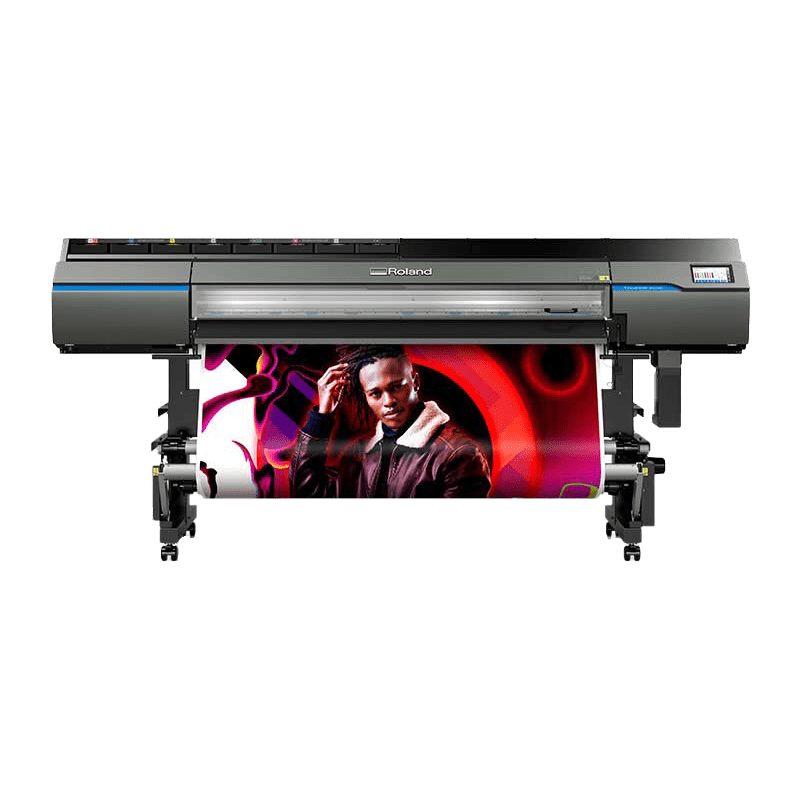
Roland VG3-640 — TR2 inks, VersaWorks 6
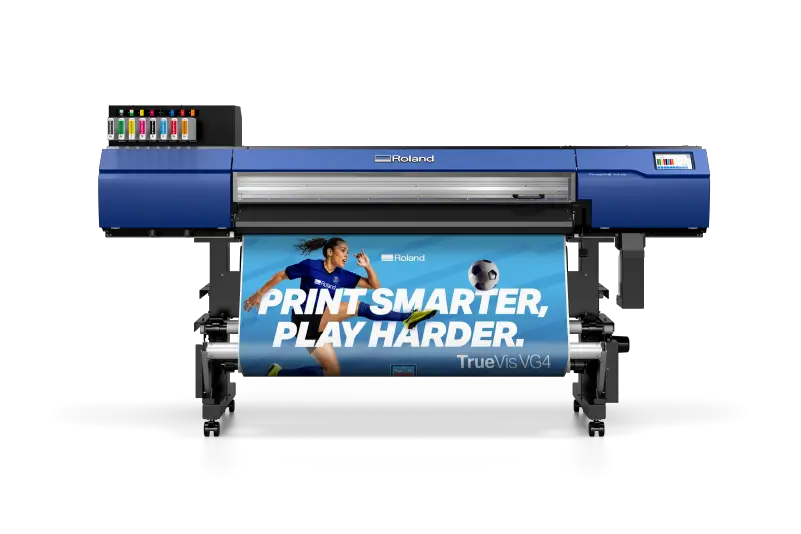
Roland VG4 — TR3 inks, VersaWorks 7, 1,800 dpi
Print Quality and Resolution
Roland DG does not publicly quote a maximum print resolution figure for the VG3 series. For the VG4, the confirmed maximum resolution is 1,800 dpi, achieved through a refined print head engine with ultra-fine droplet control.
In practice, this means the VG4 delivers:
- Sharper detail and cleaner fine lines compared to the VG3 series
- More consistent tonal reproduction across gradients and photographic imagery
- Better performance on jobs where fine text, intricate vector shapes, or detailed photographic elements are involved
True Rich Color profiles — built into VersaWorks 7 and optimised for TR3 inks — further improve output consistency. A VG4 operator gets good colour from the machine on the first print run without extensive profile-building work. On the VG3, achieving the same result typically required more manual colour management investment.
For most sign and banner production at typical viewing distances, the difference may not be immediately visible to the end customer. For close-up applications — exhibition graphics, retail POS, premium vehicle wraps — the improvement in fine detail and tonal consistency is a genuine production advantage.
RIP Software: VersaWorks 6 (VG3) vs VersaWorks 7 (VG4)
Both the VG3 and VG4 include Roland DG’s VersaWorks RIP software as standard. The VG3 ships with VersaWorks 6; the VG4 ships with VersaWorks 7.
VersaWorks 6 (with VG3)
VersaWorks 6 was Roland DG’s RIP software at the time of the VG3’s launch. It covers core production workflows including colour management, step-and-repeat, tiling, cut path management, and queue-based job management. It is compatible with Mac and Windows and integrates with the Roland DG Mobile Panel app for remote printer monitoring.
VersaWorks 7 (with VG4)
VersaWorks 7 is a significant update that brings improvements across speed, colour management, and workflow integration. Key advances in VersaWorks 7 include:
- True Rich Color integration: Built-in colour profiles tuned specifically for TR3 inks on the VG4 print engine. Less manual colour management required to achieve accurate, vibrant output.
- High-speed processing: Faster RIP processing for high-resolution files — directly relevant for businesses processing complex vehicle wrap artwork, large photographic banners, or tiled display graphics at scale.
- Roland DG Connect integration: VersaWorks 7 works in conjunction with Roland DG Connect to offer cloud-based job monitoring and machine management from mobile devices — going beyond the local-network-only access of the VG3/VersaWorks 6 combination.
- Refined print-cut integration: Closer coordination of print and cut workflows within the software, reducing the manual steps between completing a print job and initiating the cut pass.
For existing VersaWorks users: The core workflows in VersaWorks 7 will feel familiar. The learning curve for VG3 operators moving to a VG4 is relatively modest — the interface is evolved rather than redesigned.
Workflow Improvements in the VG4
Direct Print Touchscreen
Both the VG3 and VG4 feature a 7-inch touchscreen. On the VG3, the display shows ink status, remaining print time, print thumbnails, and basic machine information. It also controls the take-up unit and sheet cuts.
The VG4 adds Direct Print to the touchscreen. This allows operators to select and send jobs directly from the printer panel without returning to the workstation. In a busy production room where the printer and computer are in different areas, this is a measurable workflow gain — particularly on long run days where jobs need to be queued and kicked off in sequence.
Roland DG Mobile Panel vs Roland DG Connect
The VG3 ships with Roland DG Mobile Panel — a local app for monitoring printer status, ink levels, and machine condition from a smartphone on the same network.
The VG4 replaces this with Roland DG Connect, which is a full cloud-based monitoring and management platform. Roland DG Connect provides:
- Real-time visibility of printer status, ink levels, print history, and machine health from any smartphone or tablet — from anywhere, not just on the local network
- Alerts before consumables run out
- Multi-device monitoring from a single app — useful for businesses running more than one Roland machine
- Production history and usage data for business management
For owner-operators running a single machine, the difference between Mobile Panel and Roland DG Connect may be modest day-to-day. For production managers overseeing multiple machines, or businesses where the owner is not always in the print room, Roland DG Connect is a more useful tool.
Improved In-Sync Take-Up Control
Both the VG3 and VG4 include a take-up unit as standard. The VG4 introduces improved in-sync take-up control, which more precisely maintains media tension throughout long print and cut runs. This reduces the risk of tracking errors, media skew, and misalignment on extended production jobs — directly relevant for businesses running overnight or unattended long-run cycles.
Perforated Cut (VG4 Only)
The integrated perforated cut function is a new capability in the VG4 series, not available on the VG3. It creates clean, repeatable tear lines between labels and stickers on a roll, with adjustable perforation intervals to suit different products and liner weights. For businesses producing label batches, sticker sheets, or any roll product where individual pieces need to be separated cleanly after production, this removes the need for a separate finishing step.
Cutting Performance
Both the VG3 and VG4 series use Roland’s CAMM-1 series blades and deliver contour cutting alongside printing in a single machine. Both offer cutting speeds up to 300 mm/s and blade force adjustability.
The VG4 confirms a maximum blade force of 30-500 gf with a cutting speed range of 10-300 mm/s. Roland DG has refined the cutting mechanics in the VG4, and the improved in-sync take-up control contributes directly to cutting accuracy on longer runs by maintaining more consistent media registration from print to cut.
The addition of the integrated perforated cut function is the most commercially significant cutting improvement in the VG4. On the VG3, producing perforated tear lines required a separate workflow step or additional finishing equipment. On the VG4, it is built in and adjustable from the machine’s panel or VersaWorks 7.
Media Handling Comparison
| Specification | VG3-540 | VG4-540 | VG3-640 | VG4-640 |
|---|---|---|---|---|
| Print Width | 54″ | 54″ (52.9″ usable) | 64″ | 64″ (62.9″ usable) |
| Max Roll Weight | Not published | 35 kg | Not published | 45 kg |
| Cutting Speed | Standard CAMM-1 | 10-300 mm/s | Standard CAMM-1 | 10-300 mm/s |
| Perforated Cut | No | Yes | No | Yes |
Should You Upgrade from VG3 to VG4?
Not every VG3 user needs to upgrade immediately. Here is a framework to help you decide.
The VG4 is the Right Choice if You:
- Are buying a new machine and want the current generation from Roland DG
- Produce a significant proportion of vehicle graphics and brand signage where extended gamut colour reproduction is a commercial differentiator
- Run label, sticker, or roll product production where the built-in perforated cut function would remove a finishing step
- Need cloud-based machine monitoring via Roland DG Connect for multi-machine or remote oversight
- Want VersaWorks 7 and the latest True Rich Color profiles from day one
- Are planning unattended production runs where the improved take-up control reduces the risk of tracking errors
You May Not Need to Upgrade Your VG3 if:
- Your current VG3 is producing good results and your customers are satisfied with output quality
- Your workflow is primarily CMYK signage, banners, or vehicle lettering where the extended gamut advantage of TR3 is less relevant
- Your machine is relatively new and the capital investment in a VG4 does not make sense for your current throughput
Trade-In Options
RGB UK offers trade-in assessments for existing Roland equipment. If you are considering moving from a VG3 to a VG4, contact our team to discuss trade-in options and we will give you a candid assessment of the financial case. Call 0118 934 4426 or email sales@rgbuk.com.
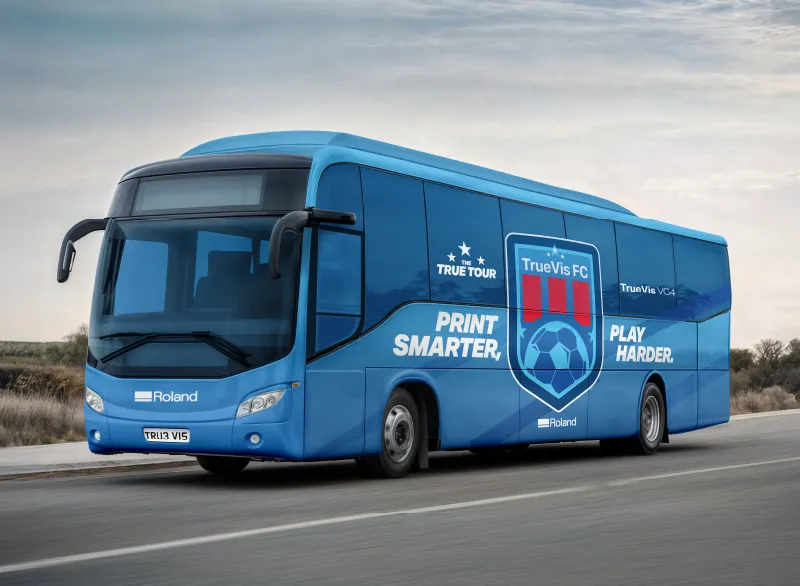
Vehicle graphics — extended gamut TR3 inks produce richer colour matching on fleet branding
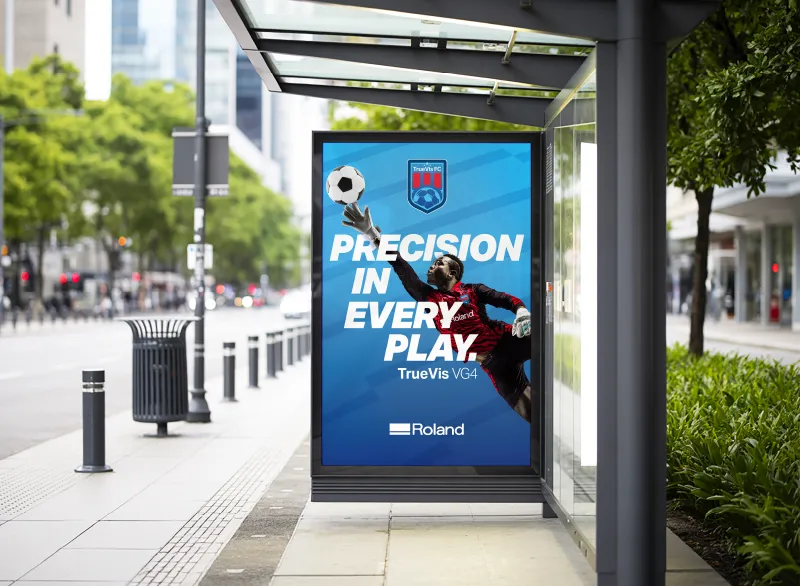
Signage and retail display — TR3 Green, Orange, and Red channels deliver more vibrant output
Roland VG3 vs VG4 — Frequently Asked Questions
What is the main difference between the Roland VG3 and VG4?
The main differences are the ink system (TR2 in the VG3 versus TR3 in the VG4, with a wider extended gamut), the RIP software (VersaWorks 6 versus VersaWorks 7), the workflow tools (Roland DG Mobile Panel versus Roland DG Connect), and the addition of a Direct Print touchscreen and integrated perforated cut function in the VG4.
Are TR2 and TR3 inks compatible with both machines?
No. TR2 inks are designed for the VG3 and earlier TrueVis machines. TR3 inks are designed specifically for the VG4 series. They are not interchangeable between generations.
Can I upgrade my VG3 to use TR3 inks?
No. TR3 inks require the VG4’s print head engine and are not compatible with VG3 hardware. To use TR3 inks, you need a VG4 machine.
Does the VG4 replace the VG3?
Yes. The VG4 is the direct successor to the VG3 in Roland DG’s TrueVis range. The VG4 is now the current production model available from authorised Roland DG resellers including RGB UK.
What VG4 models are available from RGB UK?
RGB UK stocks both the Roland VG4-540 (54″) and the Roland VG4-640 (64″). Both are available with the standard 8-colour TR3 ink configuration, or in Photo, White Ink, or CMYK configurations specified at time of order.
Is VersaWorks 7 a free upgrade for VG3 users?
VersaWorks 7 is included free with new VG4 hardware. For existing VG3 owners, check with Roland DG directly regarding upgrade eligibility for your current VersaWorks 6 licence.
Does the VG4 still use CAMM-1 blades?
Yes. The VG4 uses Roland CAMM-1 series blades — the same blade system used in the VG3 and other Roland CAMM-1 format machines. Blade stock remains fully compatible.
How do I decide between a VG4-540 and VG4-640?
The VG4-540 suits mid-volume sign shops, vehicle graphics businesses, and general commercial print environments where a 54-inch print width covers most jobs and floor space is a consideration. The VG4-640 is for higher-volume environments, large-format banner and display production, and businesses where maximising material width and roll capacity (up to 45 kg) directly reduces changeover time and increases output per hour.
Discuss the Roland VG4 with RGB UK
RGB UK is an authorised Roland DG reseller. Our team can help you compare the VG4-540 and VG4-640, assess a trade-in from a VG3, and advise on the right ink configuration for your applications.
Call: 0118 934 4426 (Mon-Fri, 09:00-17:30) | Email: sales@rgbuk.com